An app by 2eme-G
The notes app that reminds you.
Jot down an idea, a task or a call to make in a few seconds. BulleNote files your notes and alerts you at the right time.
Free for one person. Installs on phone and computer from the browser. Google Play version in preparation.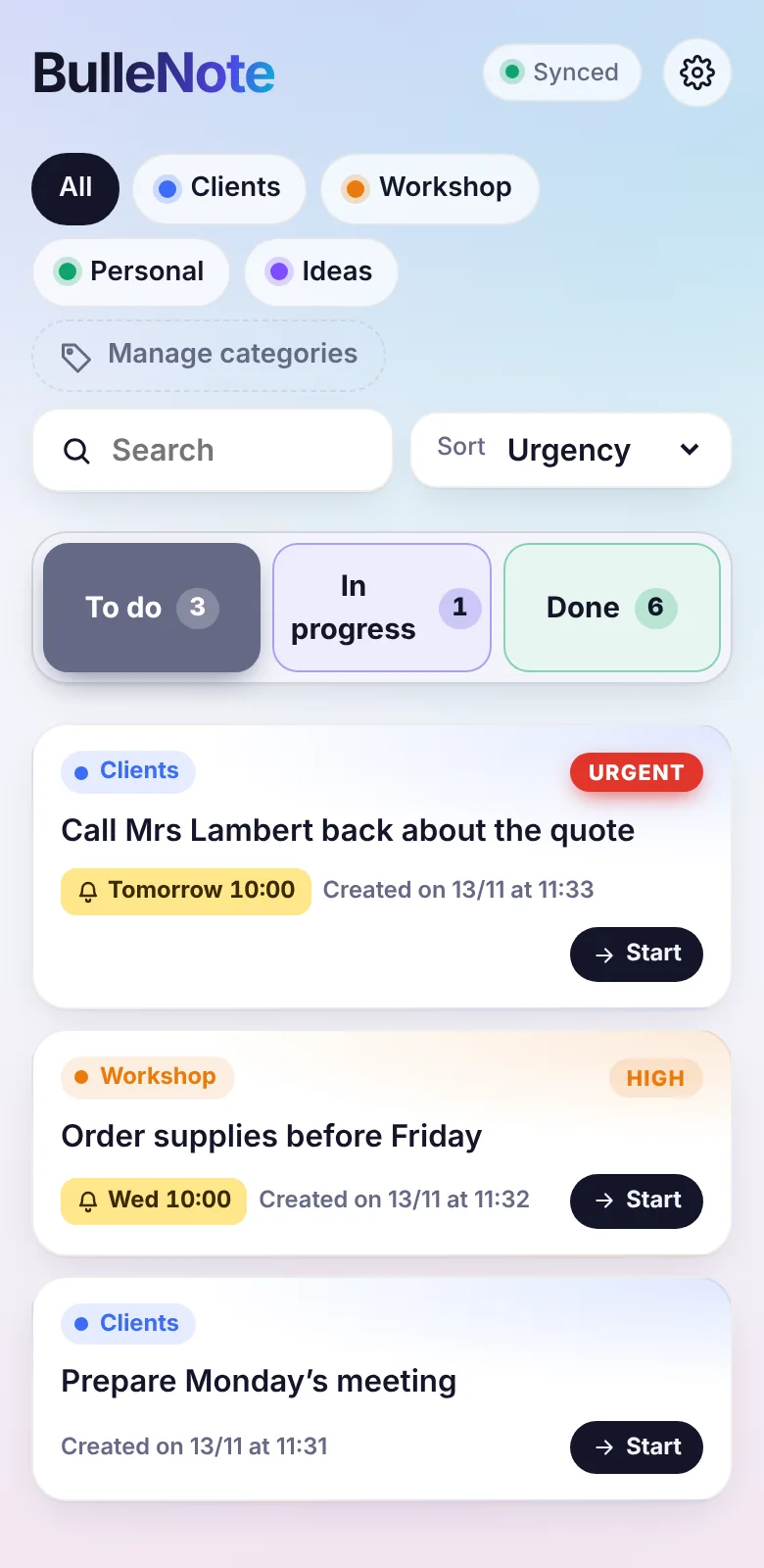
What BulleNote does
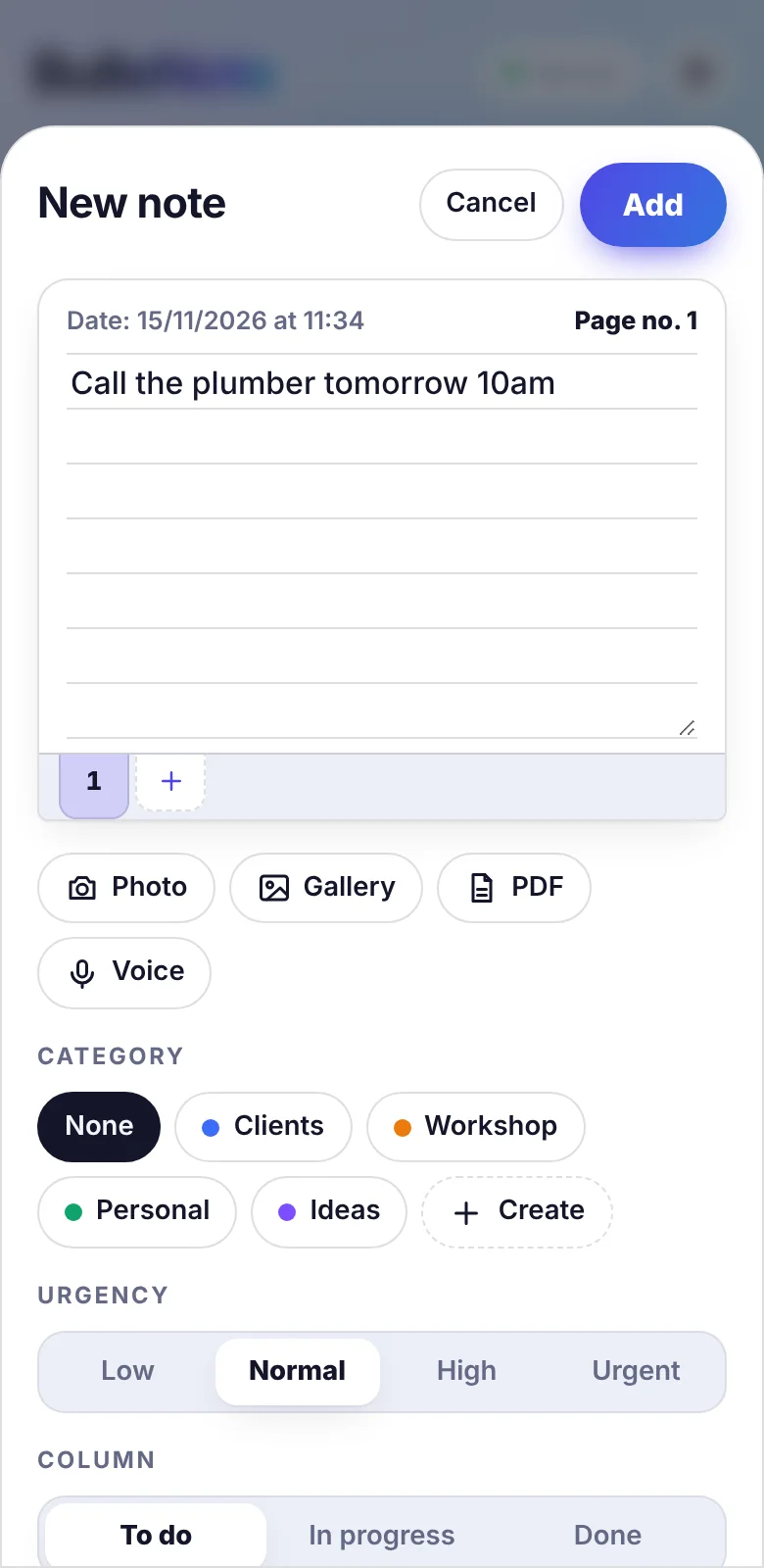
Write, dictate or snap a photo
A note can be text, a voice message, a photo or a PDF. Voice notes are transcribed automatically so they stay readable and searchable.
Reminders that set themselves
Write tomorrow 10am or Monday in a note: the reminder is created with nothing to set up. The notification arrives even when the app is closed.
A three-column board
To do, In progress, Done. See at a glance what is urgent, what is late and what is moving.
Your categories, your colours
Clients, workshop, personal: create the categories that fit your business. Each note takes the colour of its category.
Notes that grow
A job that lasts? Add pages to the same note, like a notebook, with the date of each addition.
Everywhere, even offline
Phone, tablet, computer: your notes follow you. With no network you keep writing, and everything syncs afterwards.
What is done stays easy to find
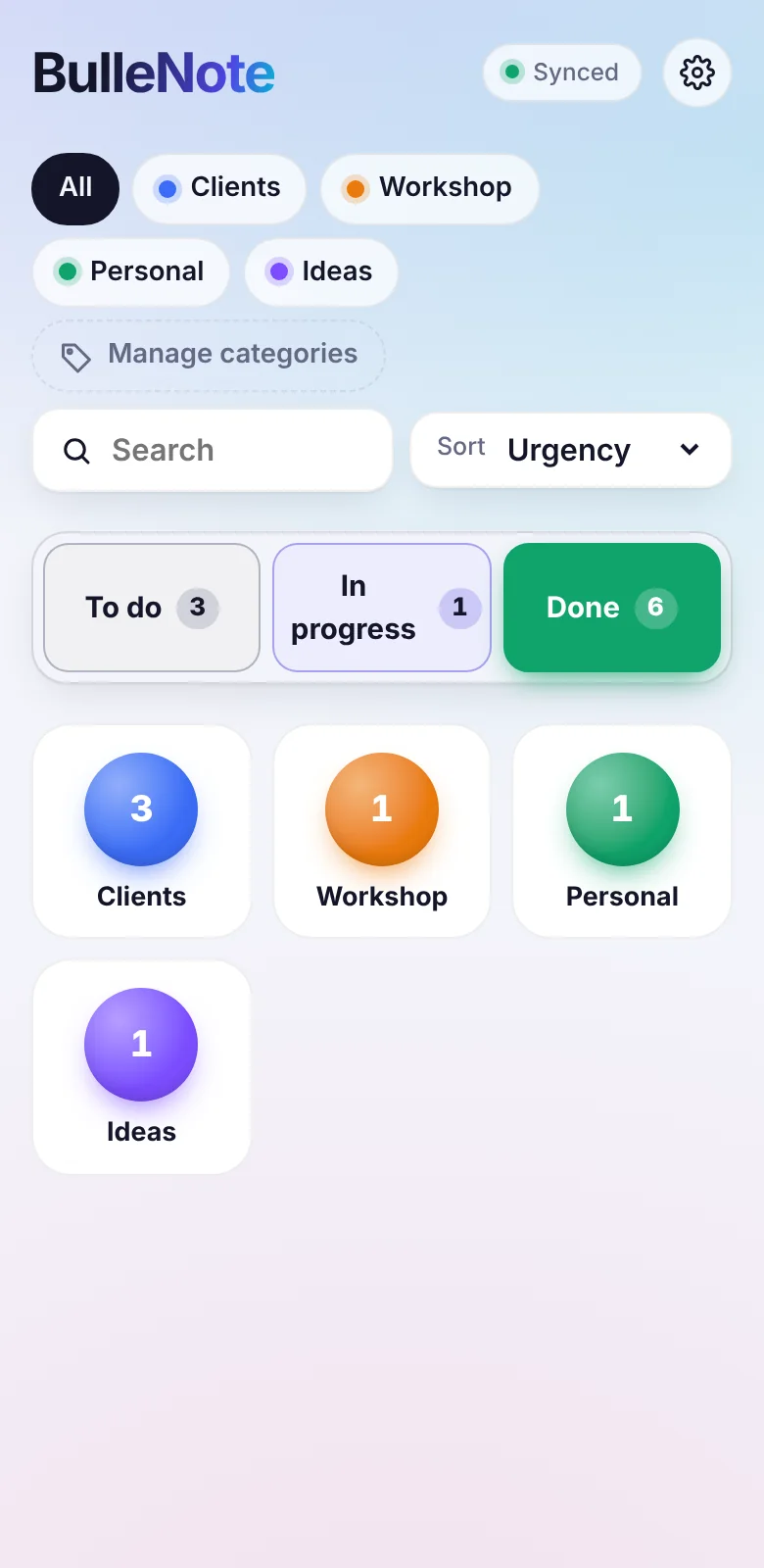
Finished notes are filed in one drawer per category. Open a drawer to review them by date, or search a name to find a closed job months later.
Pricing
Free for one person, with no time limit. The Team plan adds teamwork.
Free
€0
for one person
- Written, voice, photo and PDF notes
- Reminders and notifications
- Categories and three-column board
- All your devices
- 100 MB of storage
Team
€4 excl. VAT
per user per month, cancel anytime — or €36 excl. VAT per user per year
- Everything in the free plan
- Your team members invited by email
- Notes shared with the people you choose
- A private space for everyone
- 10 GB of storage per user
- Invoice in your company’s name
Frequently asked questions
Are my notes private?
Yes. Only you can see your notes, except those you choose to share. On the Team plan, the administrator manages accounts but cannot see team members’ notes. BulleNote shows no ads and sells no data.
How do I install BulleNote on my phone?
Open BulleNote in your phone’s browser, create your account, then choose “Install app” in the browser menu (Android) or “Add to Home Screen” from the Share button (iPhone). The icon appears like any other app.
How do I move to the Team plan?
Write to us at contact@2eme-g.com with the number of users. We send you an invoice and activate your space once payment is received.
Can I stop whenever I want?
Yes. The monthly subscription has no commitment. You can also export your notes or delete your account at any time from the app settings: your data is then erased.
Is BulleNote available in French?
Yes. The app asks for your language the first time you open it, and you can change it in the settings.